Discussions includes the option to create a poll within a post, which can be useful for engaging community members and starting conversations.
Polls are available in the mobile Fandom app.
Creating a poll

Start creating poll by clicking the column icon
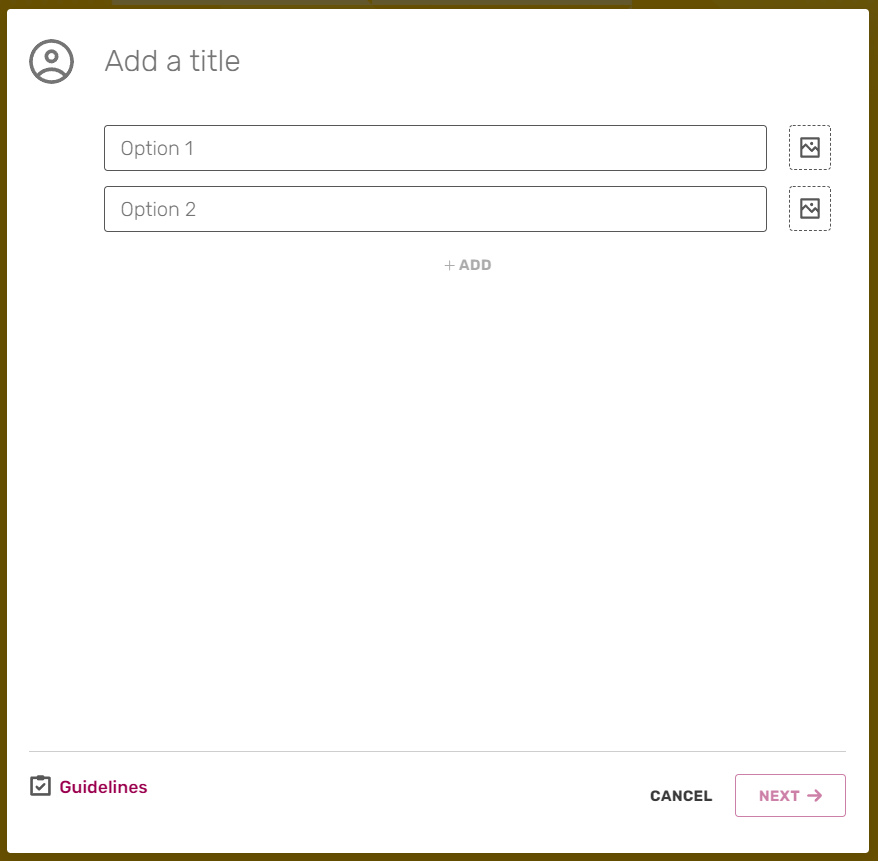

It's easy to create a new poll in a Discussions post.
- Click on the button with the chart icon to open the poll creation form.
- Add answer options. The minimum number of options is 2 and the maximum is 6.
- If the community has multiple Discussions categories, choose the most suitable one in step 2. Here, you can also assign your poll article tags to link it to an article.
- Publish your post!
Visual polls
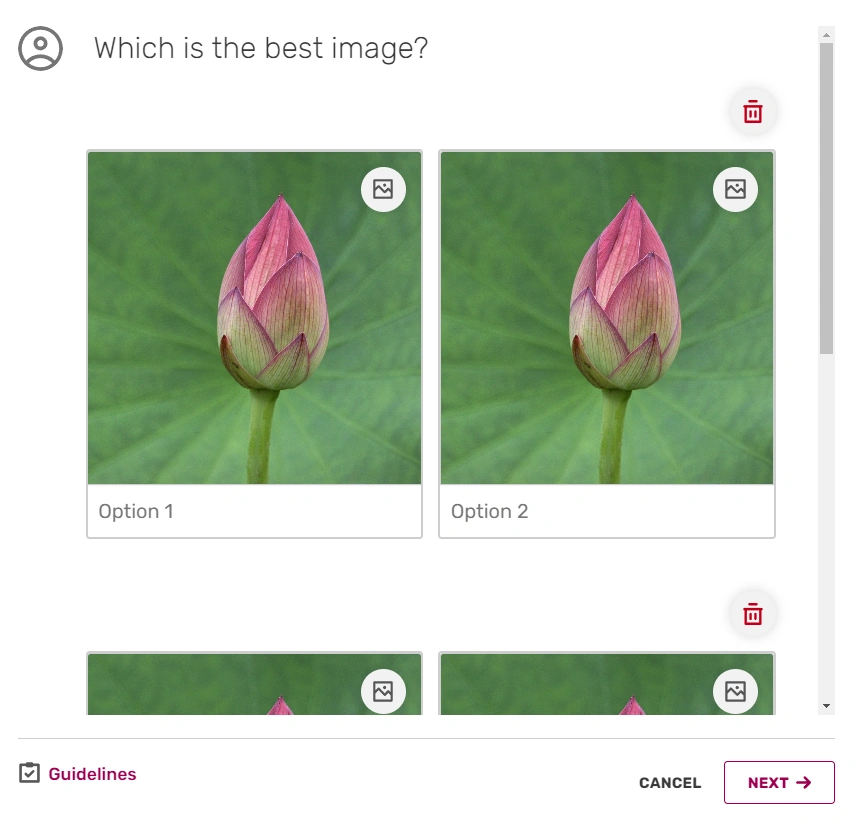

Add images to your answer options to create a visual poll.
You can add images to your answers. This makes for more visually engaging polls.
- To create a poll with images, click the
 ('image') icon to the right of each answer option. You can now choose image files from your computer or device for upload.
 - You'll still need to add text to each answer option.
- As with text polls, the minimum number of options is 2, the maximum is 6.
- Visual polls can only be created with an even number of answer options, meaning your poll must have either 2, 4 or 6.
- If you add images to your answer options, all options must have images. A mixed poll with some text-only answers and some image answers isn't possible.
Once a poll is created, the question and answer options cannot be changed. Categories and tags can be edited afterwards as with any non-poll post.
Users will be able to vote in the poll, as well as upvote the post and add replies. Once a vote has been submited, it cannot be changed.
Other notes
Closing a poll
The best way to end voting in a poll is to lock the post, which can be done by a Discussions moderator or an administrator.
Viewing lists of users who voted


There are two ways to view lists of users who have voted in a poll, after you have cast your own vote:
- To see a full list of users who voted, click the total vote count that is displayed in the lower right corner of the post.
- To see a list of who voted for a specific option, click the option.
Deleting a poll
To delete a poll, edit the post containing the poll and click the  ('delete') button. This can only be done by Administrators and Discussions Moderators/Global Discussions Moderators.
Adding polls in the wiki page
Creating a poll directly from a wiki page is not available. However, you can use AjaxPoll from the Dev Wiki to embed an existing Discussions poll.