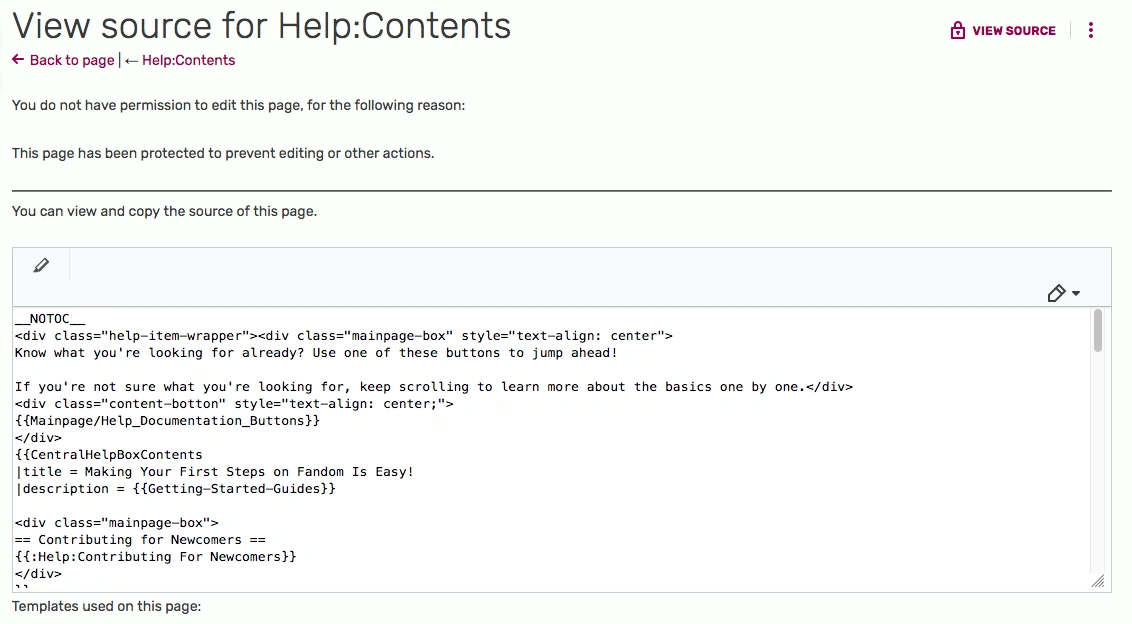

The view source version of Help:Contents
The view source function, also called the raw function, is a way to view the source of a specific article. This forces a specific article to display its source code. "View source" is only available on the desktop version, and is not accessible through the mobile skin.
Why does "View source" appear on pages?


View source button
The "View source" icon appears in place of the "Edit" button on pages with a certain protection level enabled, be it autoconfirmed or admin only, or an even higher level.
If the "View source" icon appears on pages that aren't protected, then the user trying to edit the article is either
- blocked locally on the wiki the article belongs to
- blocked globally across the Fandom network
- browsing the wiki as an anonymous user while the wiki feature "Require all contributors to log in" is enabled
This button always appears on non-whitelisted system messages in the MediaWiki namespace, and on personal CSS or JavaScript pages of other users.
How to view source
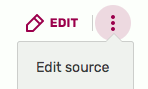
- If the above "view source" button appears, just click on it.
- On any other page, add the following text at the end of the URL:
?action=edit - Depending on your editing settings, click the "Edit" button, or choose "Edit source" from the 3-dot dropdown menu beside it.

Another script, called View Raw adds a "Raw" button to that menu.
Tips and tricks
If you want to create a page or template using the code from a protected page, you can copy the protected page's source code and paste it into the editing area of the new page, using the source editor.
Note that copy and pasting the source of the page using the visual editor will automatically put it into <nowiki>...</nowiki> tags. Instead, use the source editor as explained above.
See also
- Learn how to bypass the cache of an article page
- Learn how to edit an article page in Fandom
- Source editor
Further help and feedback
- Browse and search other help pages at Help:Contents
- Check Fandom Community Central for sources of further help and support
- Check Contacting Fandom for how to report any errors or unclear steps in this article